

Autoposting —
Plan content in advance, schedule publications and publish automatically to Instagram, Facebook, VK, Telegram, OK, Pinterest, TikTok, LinkedIn, YouTube and Threads. All from one window.
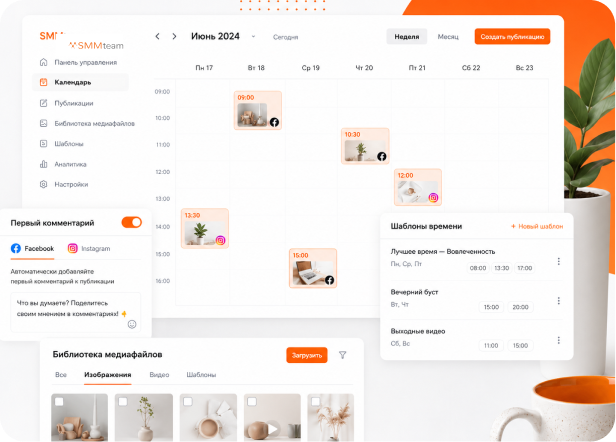
Content planning
Schedule posts and stories
Set optimal publication time
Bulk scheduling
Content calendar
Post preview
Drafts and post queues
Multi-posting: one publication to multiple social networks at once

Discussion, approval and post approval
Content approval in social networks without chaos
Collaborative post discussion - comments and edits right in the post card.
Online editing in real time - the team sees changes, comments and edits immediately.
Approve and reject posts in one click - everything is simple and fast.
Share a post without registration - send a link to a client, manager or contractor. All their comments will appear to you in real time.
Edit history - all correspondence, comments and changes are saved.
Convenient for agencies, companies and freelancers.

Features necessary for productive work
First comment in Facebook and Instagram
Time slot templates for posting
Media library for storing photos, videos, templates
Notes in calendar for future posts
Post preview for each social network
AI assistant for working with posts and ideas
Individual features for each social network platform

Very convenient that the whole team works in one account: designers, copywriters and SMM managers see one content plan and comment on posts right in the service.

Content management that saves hours every day

Chronicle, like in social networks
The feed-chronicle view repeats the real social network interface - view all content in a familiar format.
Calendar with real post preview
Plan content monthly and weekly, seeing real post previews right in the calendar.
Drag and drop posts between days and weeks, instantly restructuring the content plan.
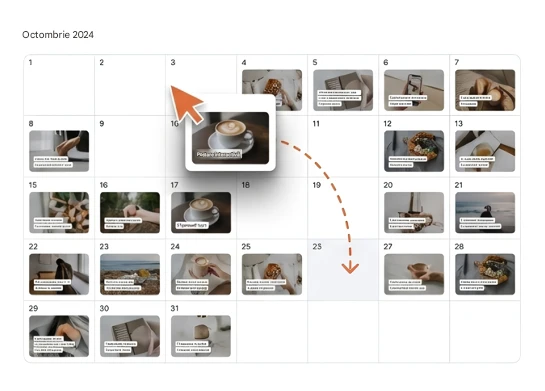

Instagram grid and perfect feed planning
Visual grid mode will help build the perfect feed. Simply move posts until the Instagram grid becomes exactly what you envisioned.
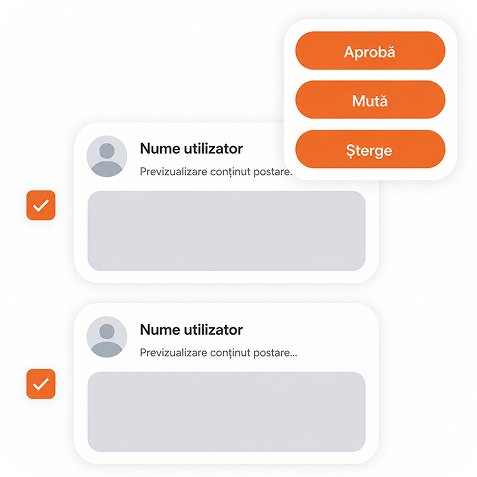
Bulk actions in one click
Approve, move and delete posts at once for the entire workspace - without manual routine.
Preview without unnecessary transitions
Post preview is displayed immediately - you always see how the post will look.

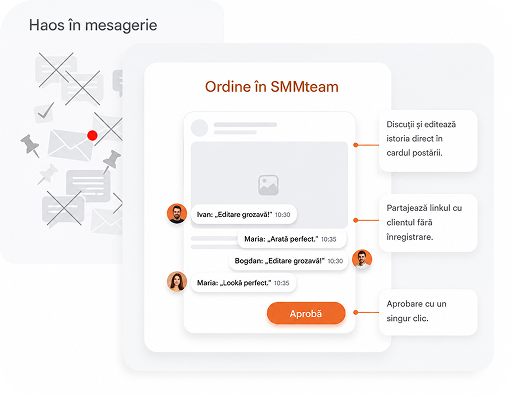
Discussions, activities and tasks - next to the post
Comments, approvals, change history and tasks are right in the post card - no chaos in messengers.
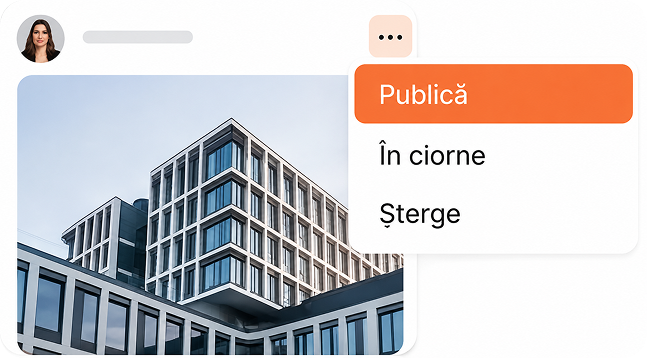
Quick action menu
Publish, delete, send to drafts - any operations are available from the compact post menu.
Time savings
Convenient visual control over content
Reduced errors

Calendar with real post preview
Plan content monthly and weekly, seeing real post previews right in the calendar.
Drag and drop posts between days and weeks, instantly restructuring the content plan.
Autoposting to 9 social network platforms