

Manage
all social networks
in one service
Autoposting, messages, teamwork, automation, analytics and AI assistant — everything to publish faster, more efficiently and with less effort

Everything you need for work - in one place

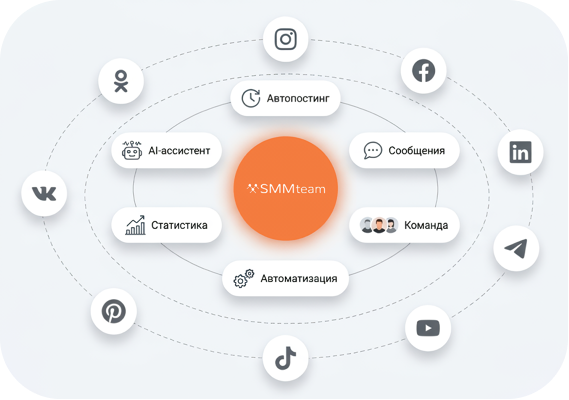
9 social networks in one window
Instagram, VK, Telegram, OK, Pinterest, TikTok and more. No need to switch between apps!
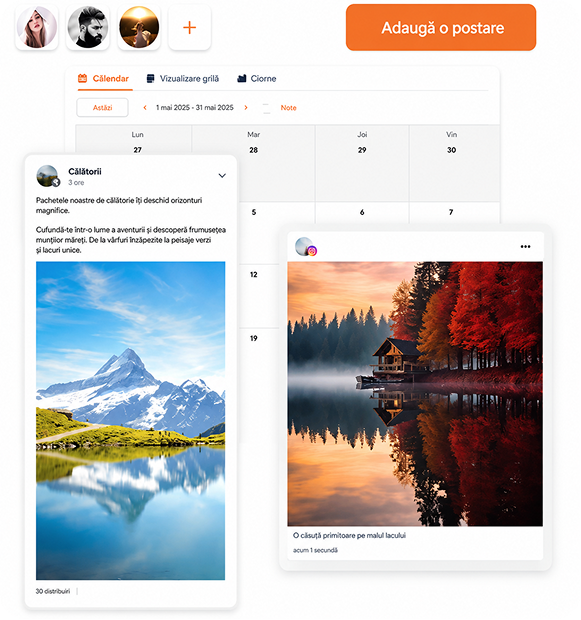
Content calendar
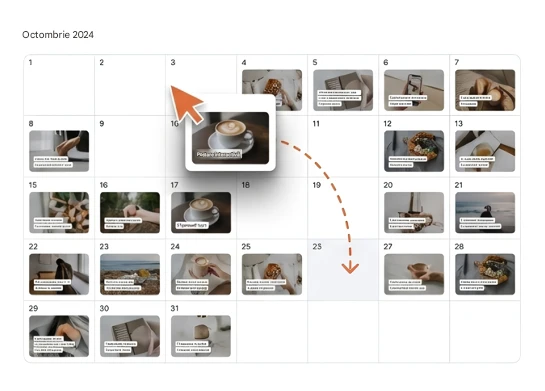
Schedule posts and stories, set deadlines and track progress.

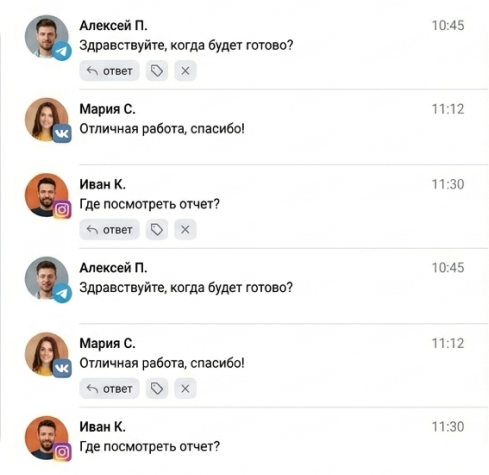
Unified chat for messages
All incoming messages and comments in one place, convenient filters and labels.
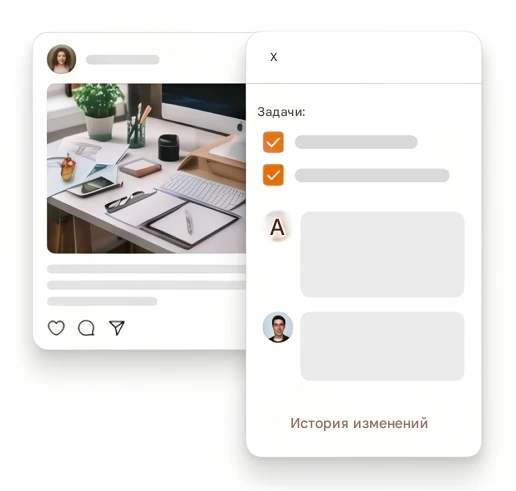
Collaboration
Post approval, comments and tasks for the team without unnecessary calls and emails.
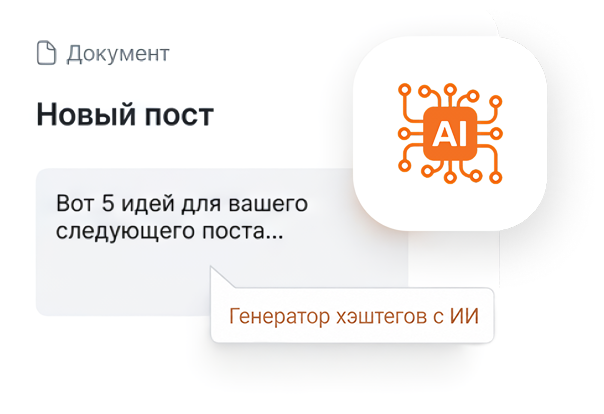
AI assistant
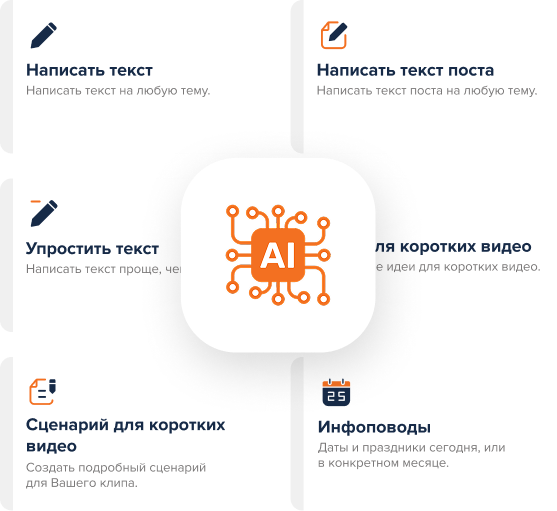
Generate texts, ideas, hashtags, content plans. Less routine — more creativity.
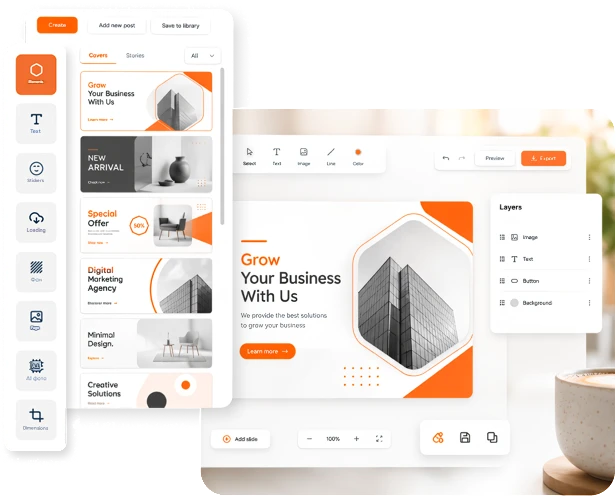
Graphics editor
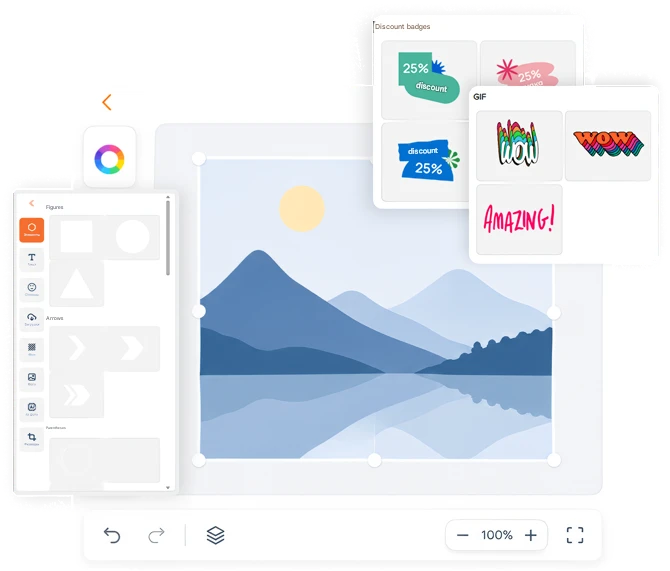
Create visuals right in the platform using ready-made templates and brand elements.
Statistics
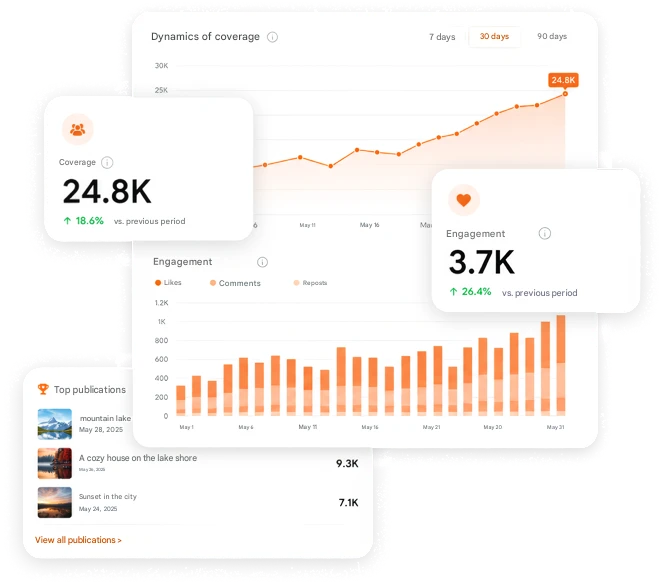
Track reach, engagement, clicks and audience growth across all platforms.
Why it's safe

Why is SMMTEAM safe?
We understand how important it is to keep access to accounts secure, protect company data, and avoid risking brand reputation. That is why security is one of the platform's key priorities.
Official work via API
Social network connections are approved by the platforms — everything connects through official Instagram, Facebook, TikTok, Telegram and other APIs, without grey methods or the risk of bans.

No access to your passwords
SMMTEAM does not request or store social network logins and passwords. Authorization goes directly through the platforms' own secure services.
Protected SSL encryption
All data is transmitted over a secure SSL connection, which prevents third parties from intercepting information.

Flexible roles and access
You can grant employees, clients, and contractors access to manage accounts without sharing passwords.
With SMM Team, you no longer need to jump between platforms. All social networks are connected, posts are planned and published from one place.

Plan and publish your content on 9 platforms


< 10h
From creation to approval of your posts
> 1%
Time saved on meetings and email
Discussion, approval and post approval
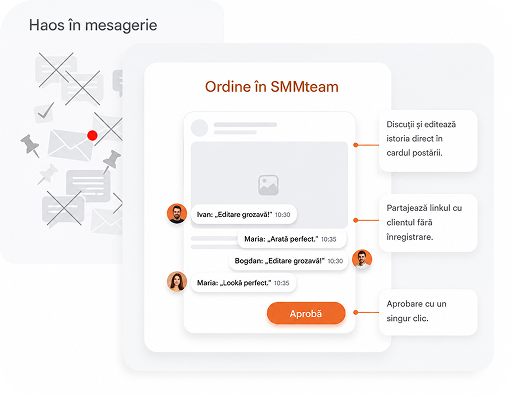
Content approval in social networks without chaos
Collaborative post discussion - comments and edits right in the post card.
Online editing in real time - the team sees changes, comments and edits immediately.
Approve and reject posts in one click - everything is simple and fast.
Share a post without registration - send a link to a client, manager or contractor. All their comments will appear to you in real time.
Edit history - all correspondence, comments and changes are saved.
Convenient for agencies, companies and freelancers.

Calendar with real post preview
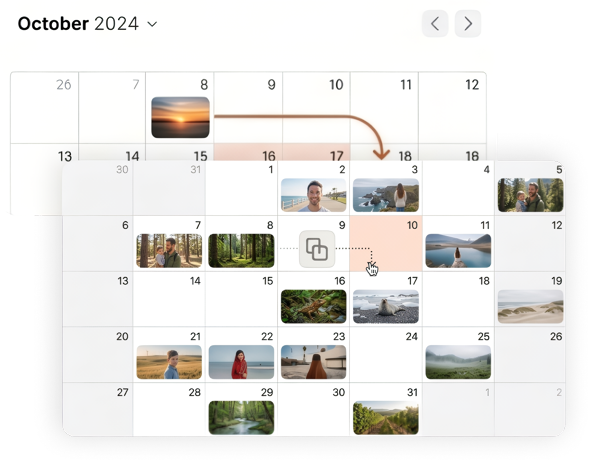
Plan content monthly and weekly, seeing real post previews right in the calendar.
Drag and drop posts between days and weeks, instantly restructuring the content plan.
Content management that saves hours every day
Chronicle, like in social networks
The feed-chronicle view repeats the real social network interface - view all content in a familiar format.
Calendar with real post preview
Plan content monthly and weekly, seeing real post previews right in the calendar.
Drag and drop posts between days and weeks, instantly restructuring the content plan.
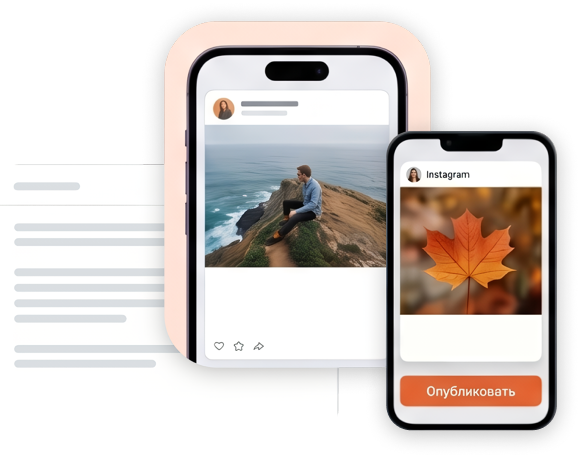
Instagram grid and perfect feed planning
Visual grid mode will help build the perfect feed. Simply move posts until the Instagram grid becomes exactly what you envisioned.
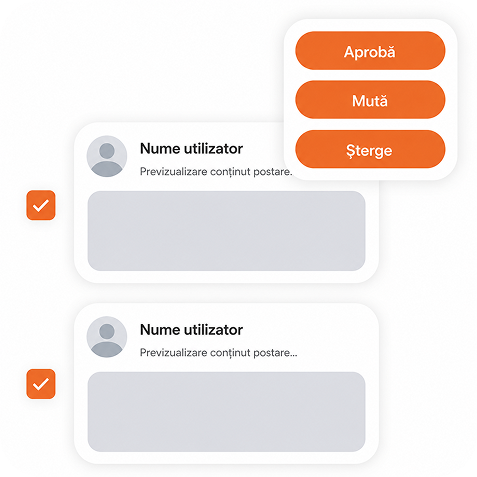
Bulk actions in one click
Approve, move and delete posts at once for the entire workspace - without manual routine.
Preview without unnecessary transitions
Post preview is displayed immediately - you always see how the post will look.
Discussions, activities and tasks - next to the post
Comments, approvals, change history and tasks are right in the post card - no chaos in messengers.
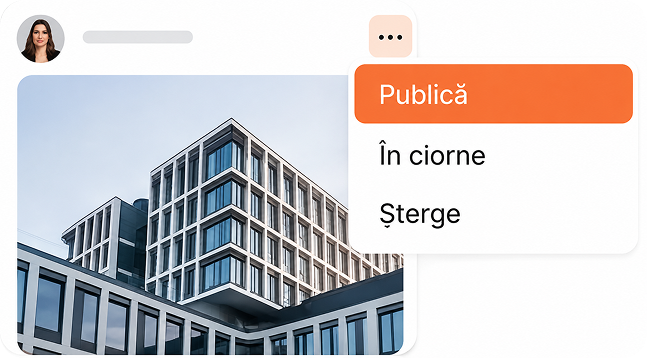
Quick action menu
Publish, delete, send to drafts - any operations are available from the compact post menu.
Ready to speed up your social media work?
Platform capabilities for effective social media work

How it works
1
Connect your social media accounts
— all your social media pages under one panel.2
Add a team
- assign roles and permissions for the work project in a couple of clicks. Everything is simple and clear.3
Save project information
, so the whole team is informed and can access the information. Everything in one place, everyone understands. Set access boundaries and provide the necessary information only to the team members who need it.4
Set up a content plan
— create posts, add stories.5
Assign tasks to the team
and track the activity of all team members.6
Publish content and analyze results
— track statistics, audience engagement and the effectiveness of your posts in real time.Time and resource savings
Convenient visual control over content
Reduced errors when publishing

Autoposting to 9 social media platforms